
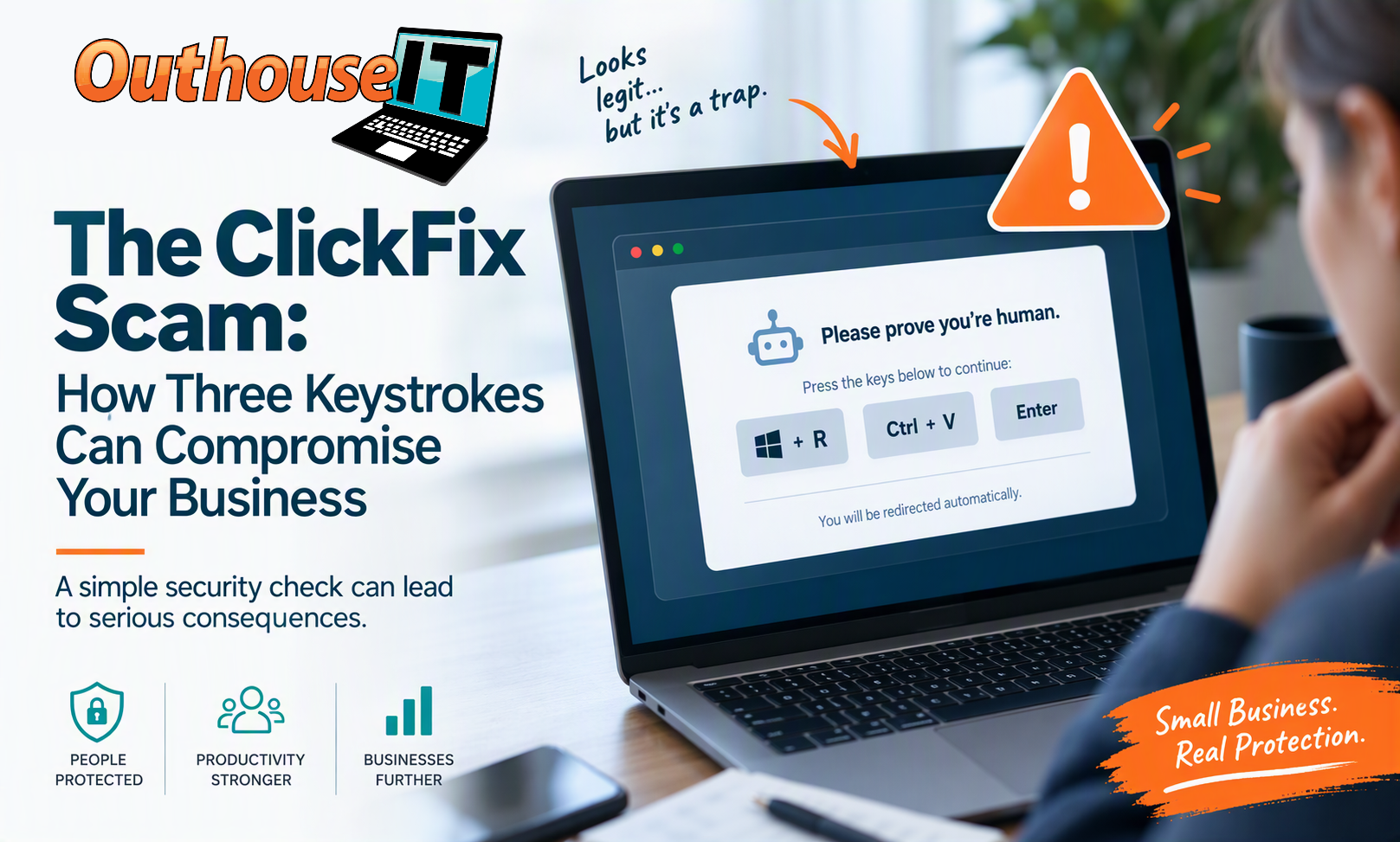
The ClickFix Scam: How Three Keystrokes Can Compromise Your Business
Reading Time: 4 Minutes
Quick Take
A growing cyber threat known as ClickFix is tricking users into running malicious commands on their own computers.
Instead of exploiting software vulnerabilities, attackers rely on social engineering and simple keyboard shortcuts to bypass normal user caution.
For small businesses, a single successful ClickFix attack can lead to downtime, security incidents, and costly remediation efforts.
Cybercriminals Are Changing Their Approach
Most people are familiar with phishing emails, fake invoices, and suspicious attachments.
ClickFix takes a different approach.
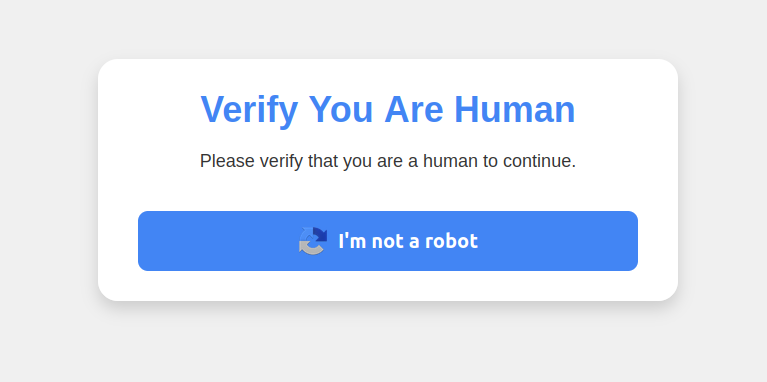
Instead of arriving through email, the attack appears directly on a website and disguises itself as a legitimate verification step.
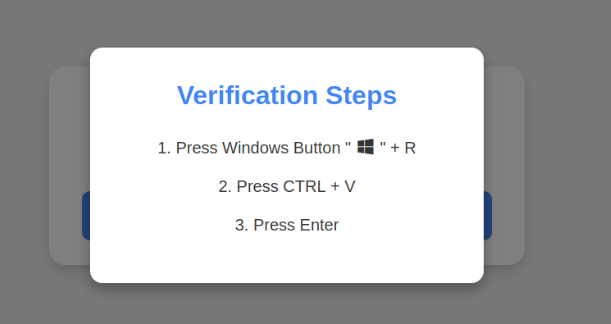
Visitors may see instructions similar to:
Please prove you're human.
Press Windows + R
Press Ctrl + V
Press Enter
To many users, this looks like a typical CAPTCHA or security check.
Unfortunately, following those instructions can execute hidden commands on the computer.
What Actually Happens?
| Action | What It Does |
|---|---|
| Windows + R | Opens the Windows Run dialog |
| Ctrl + V | Pastes hidden content from the clipboard |
| Enter | Executes the command |
The dangerous part is that users never see the command they're running.
The malicious website secretly places instructions in the clipboard beforehand.
The command may:
- Download malware
- Install remote access tools
- Steal credentials
- Create unauthorized system access
- Connect to attacker-controlled infrastructure
Why Small Businesses Should Pay Attention
Most cybersecurity incidents don't begin with advanced hacking.
They begin when someone is convinced to perform an action that appears reasonable.
ClickFix succeeds because it exploits trust rather than technology.
Potential Business Impact
- Lost employee productivity
- Operational interruptions
- Security investigations
- Potential data exposure
- Unexpected recovery costs
For many organizations with fewer than 50 employees, a single compromised workstation can disrupt daily operations far more than expected.
How To Protect Your Team
1. Be Wary of Keyboard Instructions
Legitimate websites do not require users to open the Windows Run box and execute commands to verify their identity.
2. Close Suspicious Pages
If a page asks you to perform unusual actions, close the browser tab immediately.
3. Keep Systems Updated
Security tools and modern browsers continue improving their ability to detect emerging threats.
4. Train Employees Regularly
Today's cyberattacks often target people rather than technology.
Awareness training remains one of the most effective ways to reduce risk.
What This Means For Your Business
ClickFix is another reminder that cybersecurity is not only about technology.
It's about helping employees recognize situations that don't look quite right before those situations become incidents.
The most effective protection combines:
Key Takeaway
If a website asks you to open the Windows Run box and execute commands to “prove you're human,” close the page immediately.
Need a Second Opinion?
Outhouse IT helps small and midsize businesses across Southern Ontario improve security awareness, reduce risk, and keep employees productive.
Cybersecurity works best when technology, processes, and people work together.
Let's Talk About Risk Reduction
Want to improve cybersecurity awareness across your organization?
Contact Outhouse IT to discuss practical ways to strengthen security while supporting employee productivity.